Confused? Don’t worry, our counselors are live.

Enrollments Closing Soon

days
hrs
min
sec

3 Months 1 Scholarship Certification

Not your ordinary
Graphic Designing Bootcamp in Mohali

Transform your creativity into a career! Learn Photoshop, Illustrator, Canva, and motion graphics with hands-on expert guidance.

Why This Bootcamp Hits Different

Why This Bootcamp Hits Different

Who’s Meant to Be Here

If you’ve got curiosity and courage, you’re already halfway there.

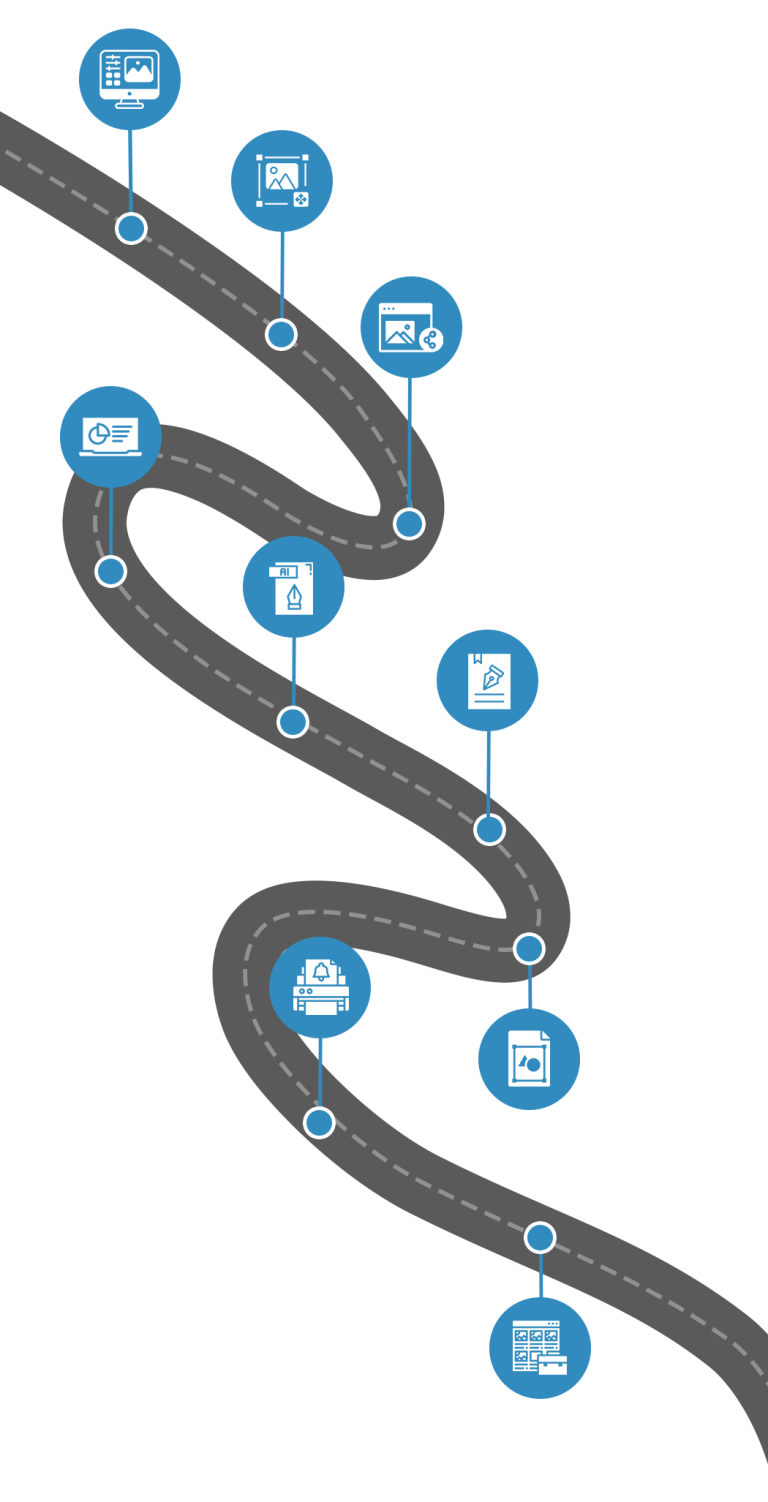
3 Months. 12 Modules. 1 Creative You.

Your roadmap to becoming a job-ready Graphic Designer
01. Module
Fundamentals of Graphic Design + Photoshop Setup 
Topics Covered 
  • Raster vs Vector Graphics (Basics) 
  • Photoshop Interface & Workspace Setup 
  • Artboards, Canvas Size, DPI, Resolution 
  • File Formats (JPG, PNG, PSD, PDF) 
  • Layers & Layer Panel (Core Concept) 
  • Basic Image Adjustments (Brightness, Contrast, Exposure)
02. Module
Photoshop Selection, Masking & Editing Tools 
Topics Covered 
  • Selection Tools (Marquee, Lasso, Magic Wand) 
  • Pen Tool Basics (for selections) 
  • Masks & Adjustment Layers 
  • Retouching (Clone Stamp, Healing Brush, Patch Tool) 
  • Brushes, Textures & Effects 
  • Smart Objects + Filters Basics
03. Module
Photoshop Social Media Design 
Topics Covered 
  • Designing Posts for Instagram, Facebook, LinkedIn, YouTube
  • Stories, Reels Thumbnails, Ads 
  • Typography Basics + Text Effects 
  • Shapes, Icons, Patterns, Color Palettes 
  • Creating Reusable Template Designs
04. Module
Photoshop Marketing & Web Graphics + Mini Project 
Topics Covered 
  • Website Banners & Sliders 
  • Blog Thumbnails + Web Images 
  • Email Signature Design (Professional) 
  • Mockups for Presentation 
  • Mini Project: Social Media Campaign Set + Website Banner
05. Module
Illustrator Fundamentals + Tools Mastery 
Topics Covered 
  • Vector Graphics Introduction 
  • Illustrator Interface & Artboards 
  • Shape Builder + Pathfinder Tools 
  • Pen Tool (Curves, Shapes, Precision) 
  • Color Handling: Stroke, Fill, Swatches, Gradients
06. Module
Branding Essentials in Illustrator 
Topics Covered 
  • Typography & Font Pairing 
  • Business Card Design (Minimal & Professional) 
  • Grid-based Layouts for Print 
  • Logo Design Framework 
  • Icons, Symbols & Simple Brand Elements
07. Module
Illustrator Marketing Collateral + Print Setup 
Topics Covered 
  • Flyer Design (Event + Business) 
  • Menu Card Design (Restaurant Style) 
  • Brochure (Bi-fold / Tri-fold) 
  • Print Essentials: Bleed, Margins, CMYK vs RGB 
  • Exporting Print-ready PDFs (PDF/X-1A)
08. Module
Logo Design (Illustrator) + Mini Project 
Topics Covered 
  • Logo Types (Wordmark, Abstract, Mascot, Lettermark) 
  • Concept Development (Moodboards, Sketching) 
  • Vector Logo Creation (Professional Workflow) 
  • Exporting Logos for Digital & Print 
  • Mini Project: Logo + Business Card + Flyer Combo
09. Module
Canva + Portfolio Building + Final Brand Identity Project 
Topics Covered
  • Canva tools, templates, elements, editing, filters​
  • Posters, banners, menu cards, presentations, resume templates​
  • Best work compilation (Photoshop + Illustrator) 
  • Digital portfolio creation (PDF / Behance / Canva) 
  • Case Study Making​
01. Module
Fundamentals of Graphic Design + Photoshop Setup 
Topics Covered 
  • Raster vs Vector Graphics (Basics) 
  • Photoshop Interface & Workspace Setup 
  • Artboards, Canvas Size, DPI, Resolution 
  • File Formats (JPG, PNG, PSD, PDF) 
  • Layers & Layer Panel (Core Concept) 
  • Basic Image Adjustments (Brightness, Contrast, Exposure)
02. Module
Photoshop Selection, Masking & Editing Tools 
Topics Covered 
  • Selection Tools (Marquee, Lasso, Magic Wand) 
  • Pen Tool Basics (for selections) 
  • Masks & Adjustment Layers 
  • Retouching (Clone Stamp, Healing Brush, Patch Tool) 
  • Brushes, Textures & Effects 
  • Smart Objects + Filters Basics
     
03. Module
Photoshop Social Media Design 
Topics Covered 
  • Designing Posts for Instagram, Facebook, LinkedIn, YouTube
  • Stories, Reels Thumbnails, Ads 
  • Typography Basics + Text Effects 
  • Shapes, Icons, Patterns, Color Palettes 
  • Creating Reusable Template Designs
04. Module
Photoshop Marketing & Web Graphics + Mini Project 
Topics Covered 
  • Website Banners & Sliders 
  • Blog Thumbnails + Web Images 
  • Email Signature Design (Professional) 
  • Mockups for Presentation 
  • Mini Project: Social Media Campaign Set + Website Banner
05. Module
Illustrator Fundamentals + Tools Mastery 
Topics Covered 
  • Vector Graphics Introduction 
  • Illustrator Interface & Artboards 
  • Shape Builder + Pathfinder Tools 
  • Pen Tool (Curves, Shapes, Precision) 
  • Color Handling: Stroke, Fill, Swatches, Gradients
06. Module
Branding Essentials in Illustrator 
Topics Covered 
  • Typography & Font Pairing 
  • Business Card Design (Minimal & Professional) 
  • Grid-based Layouts for Print 
  • Logo Design Framework 
  • Icons, Symbols & Simple Brand Elements
07. Module
Illustrator Marketing Collateral + Print Setup 
Topics Covered 
  • Flyer Design (Event + Business) 
  • Menu Card Design (Restaurant Style) 
  • Brochure (Bi-fold / Tri-fold) 
  • Print Essentials: Bleed, Margins, CMYK vs RGB 
  • Exporting Print-ready PDFs (PDF/X-1A)
08. Module
Logo Design (Illustrator) + Mini Project 
Topics Covered 
  • Logo Types (Wordmark, Abstract, Mascot, Lettermark) 
  • Concept Development (Moodboards, Sketching) 
  • Vector Logo Creation (Professional Workflow) 
  • Exporting Logos for Digital & Print 
  • Mini Project: Logo + Business Card + Flyer Combo
09. Module
Canva + Portfolio Building + Final Brand Identity Project 
Topics Covered
  • Canva tools, templates, elements, editing, filters​
  • Posters, banners, menu cards, presentations, resume templates​
  • Best work compilation (Photoshop + Illustrator) 
  • Digital portfolio creation (PDF / Behance / Canva) 
  • Case Study Making​

Tools You’ll Get To Use

Join our Graphic Designing Bootcamp

₹25,000 ₹14,999/-

Next Batch Starting Soon

3 Easy Installments available. Only 10 seats per batch.

Job Opportunity

Top performers may secure real roles at BlueMile Digital.

1 Scholarship/Batch

Merit-based scholarship offered to one deserving learner each batch.

Certification on completion

Earn a recognized certificate validating your skills and boosting career.

Come See Us, Decide Yourself

Take a 20-minute office tour. You might just convince yourself to sign up!

What You’ll Get Beyond the Learning?

Real Work Environment

1:1 Mentorship

Personal Portfolio Review

Interview Training

What do We Expect From You?

Bring Your Own Laptop

Engage & Collaborate

Be Consistent

Stay Curious & Have Fun

Graphic Designing seekhne ka asli mazaa yaha hai...

Got Questions? We’ve Got You

Everything you need to know before enrolling with BlueMile Academy.
How long is the Graphic Designing Bootcamp?

The bootcamp runs for 3 months (90 days) with live sessions. You’ll cover 12 structured modules, from design fundamentals to branding and portfolio creation, along with live projects to build real-world skills.

Is the course online or offline?

The program is conducted offline at our Mohali campus, allowing direct mentor interaction, creative collaboration, and hands-on learning for faster growth.

Do I need to bring my own laptop?

Yes. Every student must bring their own laptop to each session. It’s essential for design practice, project work, and using industry-standard tools.

Do I need any design background to join?

No prior design experience is required. The course is beginner-friendly and starts from the basics. All you need is basic computer knowledge, creativity, and consistency.

What kind of projects will I work on?

You’ll work on multiple real-world design projects, including social media creatives, branding materials, marketing designs, and a complete brand identity package.

What support will I get after completing the bootcamp?

You’ll receive career guidance, portfolio review, interview preparation, and job mentorship. Top-performing students may also receive job opportunities at BlueMile Digital, based on performance.

Will I get a certificate after completion?

Yes. Upon successful completion of all modules and projects, you’ll receive a Certificate of Completion from BlueMile Academy, validating your practical design skills.

Is there any scholarship or reward for top performers?

Yes! One merit-based scholarship per batch is awarded to the best-performing student, based on consistency, creativity, project quality, and participation.

Start Your Course With Us