Confused? Don’t worry, our counselors are live.

Enrollments Closing Soon

days
hrs
min
sec

3 Months 1 Scholarship Certification

Not your ordinary
Video Editing Bootcamp in Mohali

Master professional video editing, motion graphics, reels, and YouTube content in just 3 months, guided by experts who edit real projects every day.

Why This Bootcamp Hits Different

Why This Bootcamp Hits Different

Who’s Meant to Be Here

If you love storytelling through visuals, this is for you.

Who’s Meant to Be Here

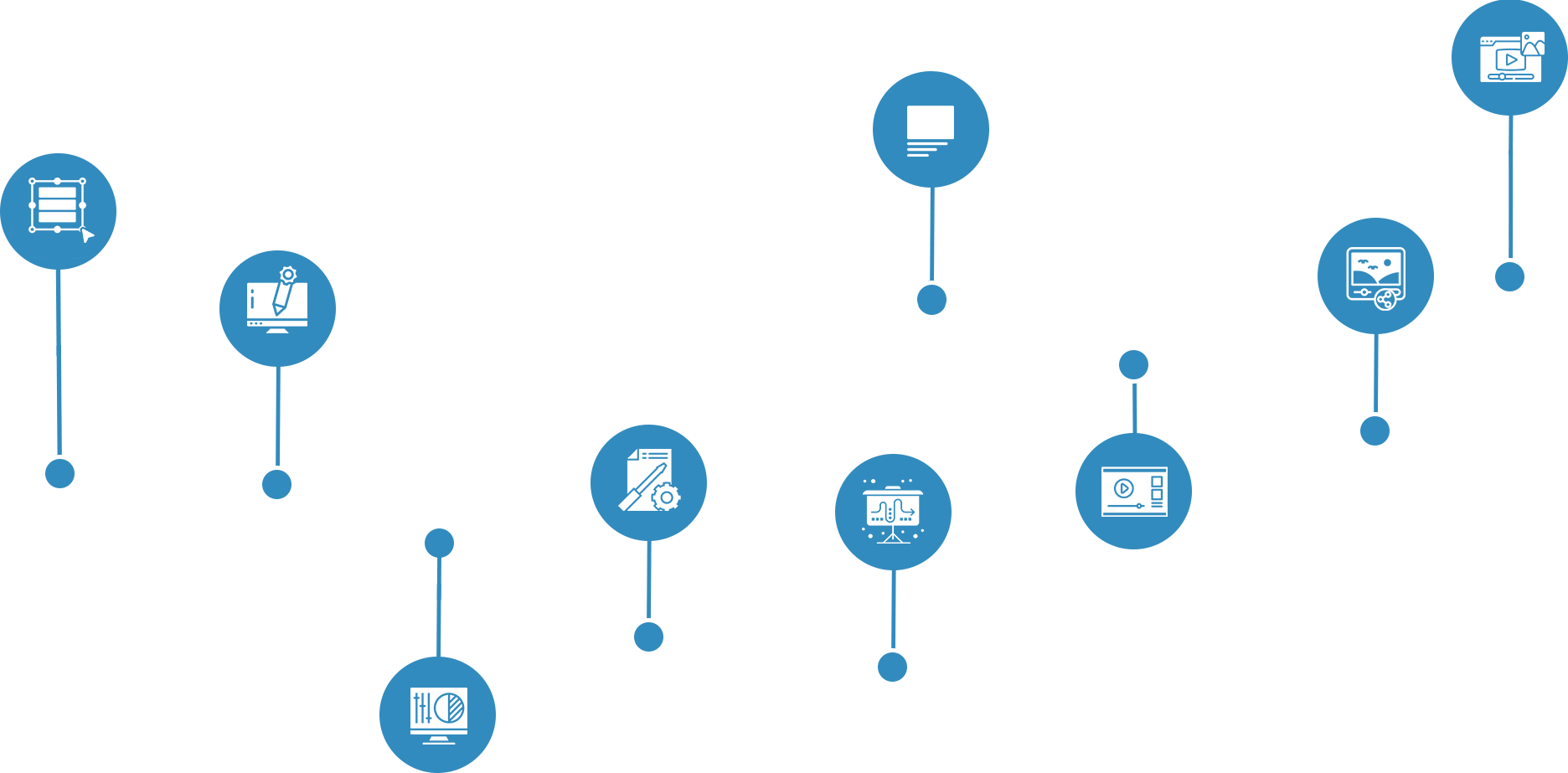
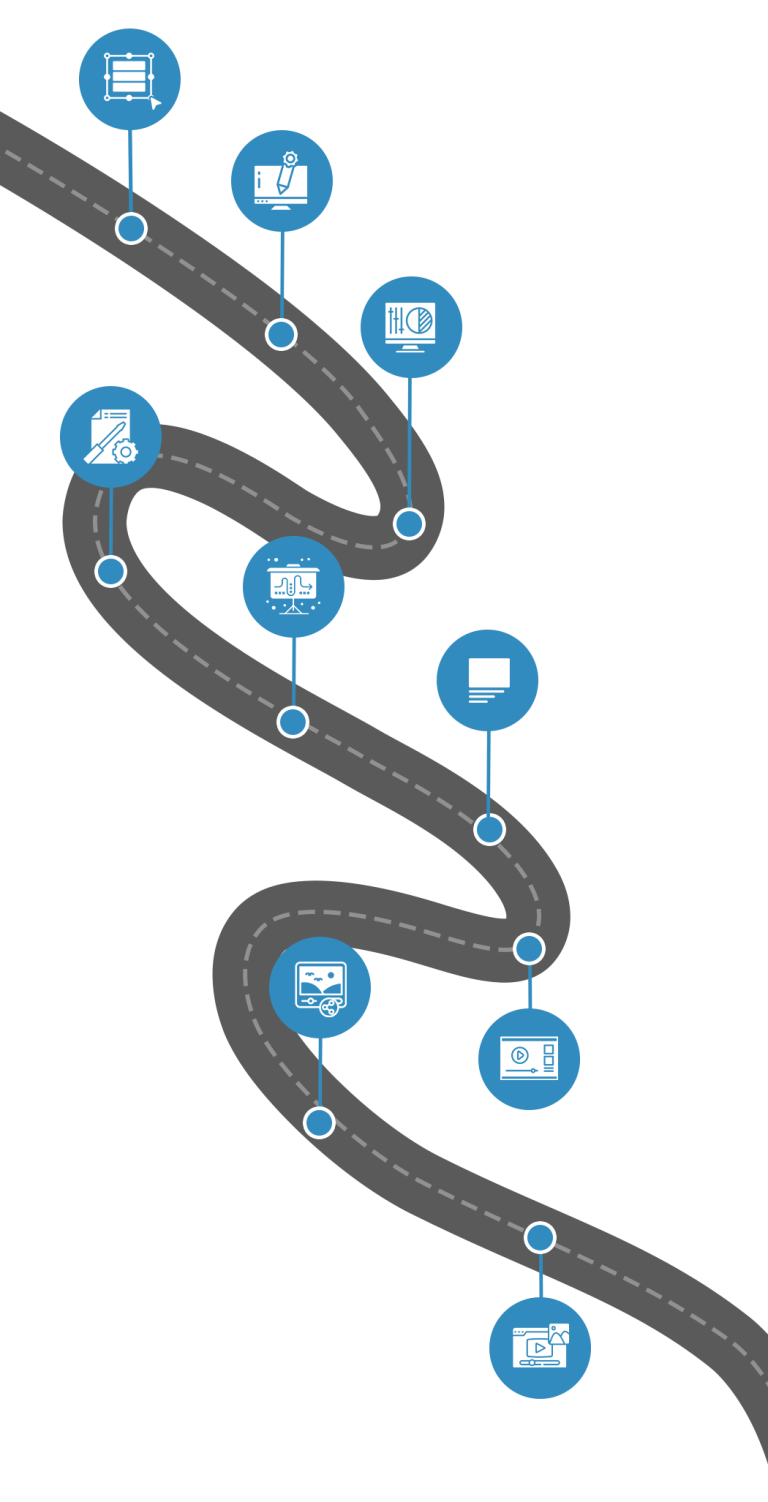
3 Months. 9 Modules. 1 Pro Video Editor.

Your roadmap to becoming job-ready in video editing & motion graphics

Roadmap planning video-editing
01. Module
Editing Foundations & Workflow 
(Week 1)
  • What is video editing? Industry workflow 
  • Video formats & types (vlogs, ads, reels, promos) 
  • Overview of tools: Premiere Pro + After Effects 
  • Importing, organizing, and managing media 
  • Project settings, file structure, and timelines
02. Module
Core Editing Skills (Premiere Pro Basics) 
(Week 2)
  • Timeline basics & sequence settings 
  • Cutting, trimming, ripple edits 
  • Speed changes & time remapping (basic) 
  • Adding background music & sound effects 
  • Basic transitions & smooth cuts
03. Module
Color Correction & Audio Enhancement 
(Week 3)
  • Color correction vs color grading 
  • LUTs and how to apply them properly 
  • Exposure, contrast, saturation & white balance 
  • Audio mixing essentials 
  • Noise reduction + syncing external audio
04. Module
Practice Project Editing 
(Week 4)
  • Edit a short vlog project 
  • Edit a basic promo video 
  • Edit a basic animation-based video (intro level)
05. Module
Motion Graphics Introduction (After Effects Essentials) 
(Week 5)
  • Interface, composition basics 
  • Keyframes: position, scale, rotation, opacity 
  • Easing and smooth motion 
  • Graph editor for professional motion 
  • Simple Canva animations workflow (optional)
06. Module
Text & Shape Animation 
(Week 6)
  • Typography basics for video 
  • Text animation presets + custom animations 
  • Shape layers: icons, bars, lower-thirds 
  • Motion blur & layering for depth 
  • Using templates + editing like a pro
07. Module
Logo Reveal & Infographic Video Design 
(Week 7)
  • Logo reveal concepts & structure 
  • Using shape layers, masks & effects 
  • Animated infographic creation (charts, icons, stats) 
  • Timing + pacing for explainer videos 
  • Exporting logo animations properly
08. Module
GIF Creation & Micro Animations  
(Week 8)
  • What makes a GIF engaging 
  • Making looping animations 
  • Exporting GIFs correctly (size + quality balance) 
  • Creating sticker-style GIFs for social platforms 
  • Creative GIF animation challenges
09. Module
Social Media + YouTube Editing & Final Portfolio 
(Weeks 9–12 Combined)
  • YouTube algorithm basics 
  • Scriptwriting + storyboarding 
  • Editing YouTube with jump cuts, captions, B-roll 
  • Thumbnail design (Photoshop basics) 
  • Trend research, hooks, pacing 
  • Fast editing, sound effects, motion graphics 
  • Infographic reels & captions 
  • Masking, compositing, tracking, stabilization 
  • Green screen workflow
Roadmap planning video-editing-mobile
01. Module
Editing Foundations & Workflow 
(Week 1) 
  • What is video editing? Industry workflow 
  • Video formats & types (vlogs, ads, reels, promos) 
  • Overview of tools: Premiere Pro + After Effects 
  • Importing, organizing, and managing media 
  • Project settings, file structure, and timelines
02. Module
Core Editing Skills (Premiere Pro Basics) 
(Week 2) 
  • Timeline basics & sequence settings 
  • Cutting, trimming, ripple edits 
  • Speed changes & time remapping (basic) 
  • Adding background music & sound effects 
  • Basic transitions & smooth cuts
03. Module
Color Correction & Audio Enhancement 
(Week 3) 
  • Color correction vs color grading 
  • LUTs and how to apply them properly 
  • Exposure, contrast, saturation & white balance 
  • Audio mixing essentials 
  • Noise reduction + syncing external audio
04. Module
Practice Project Editing 
(Week 4) 
  • Edit a short vlog project 
  • Edit a basic promo video 
  • Edit a basic animation-based video (intro level)
05. Module
Motion Graphics Introduction (After Effects Essentials) 
(Week 5) 
  • Interface, composition basics 
  • Keyframes: position, scale, rotation, opacity 
  • Easing and smooth motion 
  • Graph editor for professional motion 
  • Simple Canva animations workflow (optional)
06. Module
Text & Shape Animation 
(Week 6) 
  • Typography basics for video 
  • Text animation presets + custom animations 
  • Shape layers: icons, bars, lower-thirds 
  • Motion blur & layering for depth 
  • Using templates + editing like a pro
07. Module
Logo Reveal & Infographic Video Design 
(Week 7) 
  • Logo reveal concepts & structure 
  • Using shape layers, masks & effects 
  • Animated infographic creation (charts, icons, stats) 
  • Timing + pacing for explainer videos 
  • Exporting logo animations properly
08. Module
GIF Creation & Micro Animations 
(Week 8) 
  • What makes a GIF engaging 
  • Making looping animations 
  • Exporting GIFs correctly (size + quality balance) 
  • Creating sticker-style GIFs for social platforms 
  • Creative GIF animation challenges
09. Module
Social Media + YouTube Editing & Final Portfolio 
(Weeks 9–12 Combined)
  • YouTube algorithm basics 
  • Scriptwriting + storyboarding 
  • Editing YouTube with jump cuts, captions, B-roll 
  • Thumbnail design (Photoshop basics) 
  • Trend research, hooks, pacing 
  • Fast editing, sound effects, motion graphics 
  • Infographic reels & captions 
  • Masking, compositing, tracking, stabilization 
  • Green screen workflow

Tools You’ll Get To Use for Video Editing

Join our Video Editing Bootcamp

₹25,000 ₹19,999/-

Next Batch Starting Soon

3 Easy Installments available. Only 10 seats per batch.

Job Opportunity

Top performers may secure real roles at BlueMile Digital.

1 Scholarship/Batch

Merit-based scholarship offered to one deserving learner each batch.

Certification on completion

Earn a recognized certificate validating your skills and boosting career.

Come See Us, Decide Yourself

Take a 20-minute office tour. You might just convince yourself to sign up!

What You’ll Get Beyond the Learning?

Real Work Environment

1:1 Mentorship

Personal Portfolio Review

Interview Training

What do We Expect From You?

Bring Your Own Laptop

Engage & Collaborate

Be Consistent

Stay Curious & Have Fun

Video Editing seekhne ka asli mazaa yaha hai...

Got Questions? We’ve Got You

Everything you need to know before enrolling with BlueMile Academy.
How long is the Video Editing Bootcamp?

The bootcamp is a 3-month intensive program combining live classes, hands-on practice, and real-world projects to make you job-ready.

Is the Video Editing Bootcamp online or in-person?

This is an in-person, classroom-based program in Mohali, designed for focused learning, collaboration, and practical training.

Do I need prior experience in video editing?

No prior experience is required. The course starts from the basics and gradually moves to advanced editing and motion graphics.

Do I need to bring my own laptop?

Yes. Students must bring their own laptop to practice editing, install software, and work on live projects.

What kind of projects will I work on?

You'll work on vlogs, promotional videos, reels, motion graphics, GIFs, and a complete final portfolio project.

Which tools will I learn during the course?

You'll get hands-on experience with Adobe Premiere Pro, Adobe After Effects, and Photoshop basics.

Will I get a certificate after completion?

Yes. You'll receive a certificate of completion after successfully finishing the course and final assessment.

Does the bootcamp offer job opportunities?

Yes. Top-performing students may get job opportunities at BlueMile Digital or through our referral network.

Can working professionals join this bootcamp?

Absolutely. The program is suitable for students, freelancers, content creators, and working professionals.

Will this bootcamp help me with freelancing?

Yes. The course includes portfolio building, client-ready projects, and practical guidance to help you start or scale freelancing.

Start Your Course With Us